
Name-Based Case Searches
MCRO gives Minnesota one statewide name search, and it includes a Crow Wing County filter. Start simple. Pick person or business, then apply only the filters you actually know. An exact-name search can miss a spelling variation. Go too broad, though, and one common name may return several different people. The portal itself suggests running more than one search. So try a full middle name, then drop it or swap in a middle initial.
- Open the MCRO Case Search page and choose the Name tab.
- Select Person or Business, then enter the available last name, first name, and optional middle name.
- Choose Sounds Like only when a similar spelling is useful, or use a trailing wildcard after at least two characters without Sounds Like.
- Add a date-of-birth, filing-date, category, status, or Court Locations filter only when the detail is known.
- Select Crow Wing under the county picker for a county-focused result, choose Find, and open the matching Case Details or Register of Actions.
| Field | Type | Required | Notes |
|---|---|---|---|
| Person or Business | Selector | Yes | Sets the kind of name search. |
| Last, first, and middle name | Text | Last name is practical starting data | Try a middle initial or no middle name when needed. |
| Sounds Like or trailing wildcard | Option or text | No | Sounds Like requires the first letter to match; a wildcard cannot be combined with it. |
| Date of birth and date filed | Date or range | No | Use exact dates or the portal’s MM/DD/YYYY range format when known. |
| Category, status, and location | Checkbox, option, or county picker | No | Available categories include Civil, Criminal, Family, and Probate or Mental Health. |
Crow Wing County MCRO Search Choices
The official Minnesota Court Records Online Case Search splits its lookups into tabs. There is Name, Case Number, Citation Number, and Attorney. That layout matters. A court file number beats a name for precision. A citation works well when that paper is all you hold, and an attorney tab accepts a name or bar-number information.
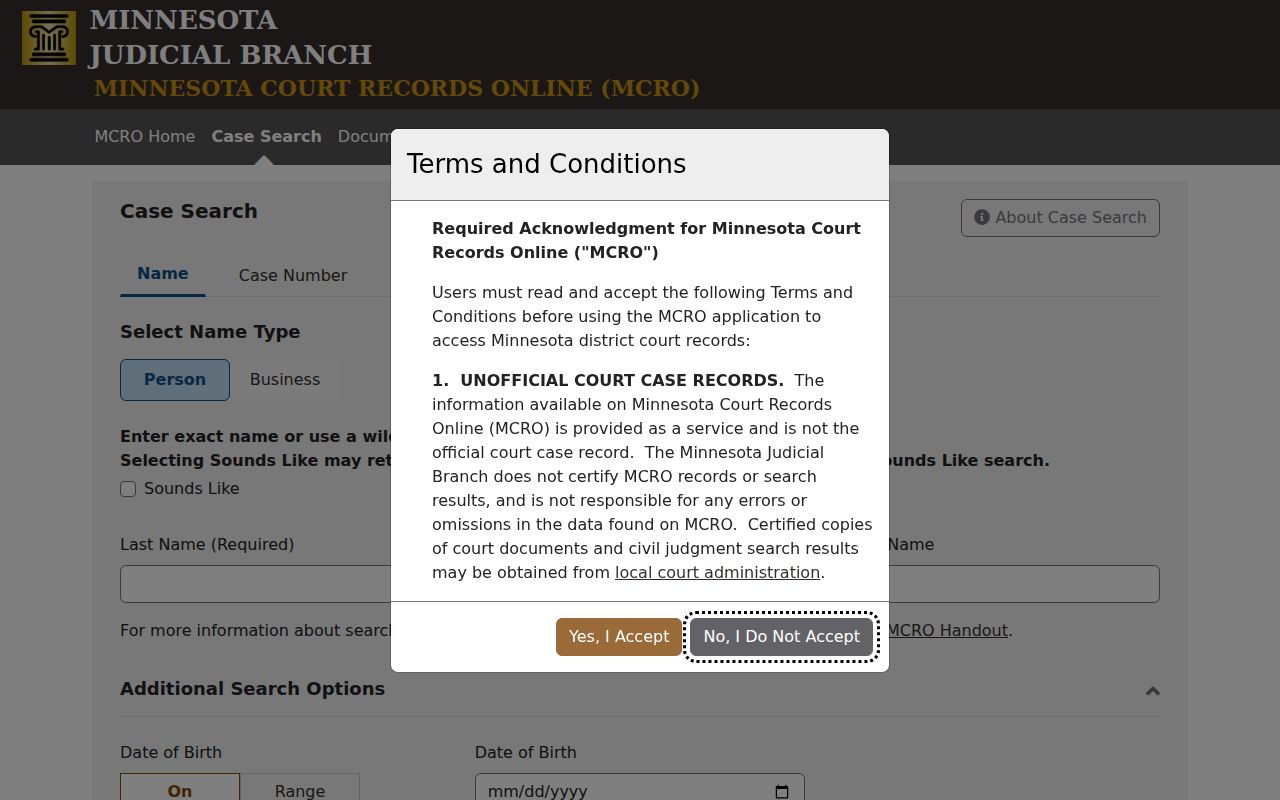
MCRO is a statewide public layer over District Court data, not a separate Crow Wing County database. Want only this county's District Court filings? Pick Crow Wing under Court Locations and the search narrows there.
Crow Wing County Citation Number Searches
If the issued citation is your best identifier, use MCRO's Citation Number tab. This route shines in one situation. Someone holds a Minnesota citation but has no court file number yet. Type the citation exactly as issued. The case detail then shows the linked court file, category, status, and Register of Actions.
A citation search does not bypass public-access limits. Say nothing comes back. That absence is not a conclusion about the person or the case. Check the issued information. Allow for normal processing time. Then call Court Administration with any local court-record question.
Case Number Searches
With a full court file number in hand, open MCRO's Case Number tab, type the number without spaces, and hit Find. Keep every digit, hyphen, and letter just as issued. Don't rebuild a number from a partial citation. Minnesota's payment guidance describes the format: a county component, case-type letters, possible location letters, a year, and a sequence. The actual file number always controls.
Crow Wing calendar examples follow familiar patterns. Criminal looks like 18-CR-26-####, and a violation-bureau matter looks like 18-VB-26-####. Civil is 18-CV-26-####, family is 18-FA-26-####, and probate is 18-PR-26-####. Conciliation uses 18-CO-26-###, and juvenile uses 18-JV-##-####. Treat these as calendar-category examples, not a complete current code table.
Crow Wing County Case Codes Need Context
The letters in a file number signal a category. That is all they do. They say nothing about guilt, liability, payment, or any other disposition. A Criminal, Civil, Family, Probate, or Mental Health label is just a classification tool. For what actually happened, read the Register of Actions. Also read any judgment or order in the court record.
A citation is not the whole case file either. Minnesota treats citations as short-form summons or complaints in some matters. Gross misdemeanors and felonies can instead begin with a signed long-form complaint. When a citation number leads you to a case, follow that issued identifier. Then read the Register rather than trusting a category label.
Case Search Results Explained
A search result can open a case-detail view and its Register of Actions. The fields give context, but none tells the whole story on its own. Active and Inactive, for example, are MCRO search and record-status descriptions, not a full disposition. And a filing date marks when the case entered the system, not necessarily the incident, hearing, judgment, or payment date.
| Case number | The court’s stable identifier for the file and the best key for later calendar, document, or counter questions. |
|---|---|
| Case category | A classification such as Civil, Criminal, Family, or Probate or Mental Health, not an outcome. |
| Case status | MCRO offers All, Active, and Inactive; status does not replace a disposition review. |
| Filing date | The date the case began in the court system. |
| Register of Actions | The history display for case title, origin information, activities, proceedings, and filings. |
| Document indicator | A public-document result may be available, restricted, incomplete, or not remotely accessible. |
Crow Wing County Public Document Search
The official MCRO Document Search keeps things simple. Enter a case number in its field, click Find Documents, and follow the results to public documents and the Case Details/Register of Actions. You must accept the MCRO terms and conditions first. No user registration is required, and public documents viewed online through MCRO cost nothing.
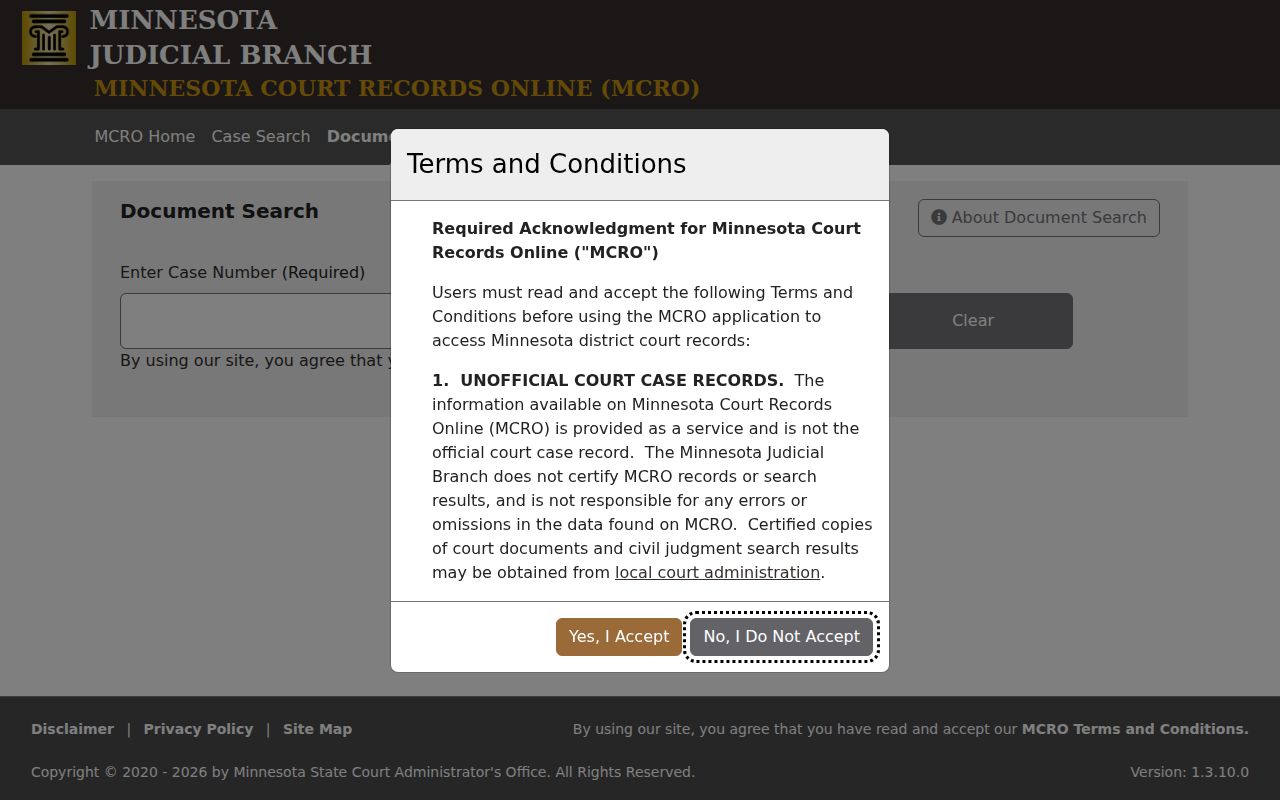
A document result is never a complete or certified file. Public documents dated before July 1, 2015 are very limited. A record can also stay unavailable for another reason. A rule, an order, or a remote-access restriction can block it. For certified copies and local copy questions, Court Administration is the office to contact.
Two Ways to Search: County and State
MCRO and Crow Wing LENS serve different jobs. MCRO is the statewide Judicial Branch search. It covers case information, public documents, and the Register of Actions. LENS is different. It is a Crow Wing County adult-criminal public-information search tied to cases the County Attorney files in Crow Wing County District Court. Treat it as a lead, not the complete official court record.
| MCRO statewide search | Crow Wing LENS |
|---|---|
| Searches public Minnesota court case information and can be narrowed to Crow Wing. | Focuses on adult criminal cases filed by the Crow Wing County Attorney in Crow Wing District Court. |
| Offers Name, Case Number, Citation Number, and Attorney routes plus a Register of Actions view. | Offers the first three letters of a last name, a court file number, or an ICR number. |
| Useful for a statewide court search or a known District Court file. | Useful as a local adult-criminal lead that must be checked against the court record. |
| Public documents may be searched by known case number through a separate MCRO service. | Does not replace MCRO, Court Administration, a court order, or a certified copy. |
Crow Wing County LENS Search Limits
The Crow Wing LENS tool pulls from many sources. It refreshes several times a day. The site itself warns that data can lag. It may not match the official court record. Identity is never guaranteed either. Arrest, booking, warrant, and probable-cause entries are not a conviction. No one should arrest a person based on the website alone.
Searching by last name takes just the first three letters. The court-file and ICR routes work only when a number is already known. The page gives no detailed format for those fields. Minnesota law restricts juvenile information. Warrant questions go through the court or law-enforcement channel LENS points to, while court-record questions belong with Court Administration.
Which Cases Stay Restricted
A remote docket search does not cover everything. MCRO will not return pending criminal cases without a conviction when someone searches by defendant name. Those matters need a case number, citation number, or attorney name or bar number. So a name result can never prove a person has no case. It also cannot confirm identity or give the full picture.
Rule 8 limits remote access to restricted identifiers and certain case and document types. Orders for Protection stay off remote access. So do Harassment Restraining Orders, felony juvenile-delinquency cases, and CHIPS cases. Family documents are generally limited to court-generated documents, and civil commitment carries separate limits. A sealed or confidential record takes the proper court process, not repeated public searching.
Crow Wing County Rule 8 Access Limits
Minnesota Rule of Public Access 8 treats registers of actions, calendars, indexes, and judgment dockets as major remote-access categories. Restrictions still apply. The rule bars remote display of Social Security and employer-identification numbers. Street addresses and phone numbers are also barred. So are financial-account numbers and identifying witness or victim information. Trial exhibits cannot be reached remotely.
When a search stops short, call the result unavailable through that channel. Do not assume the case never existed. Do not assume every document can be pulled from a county request. Sealed or confidential records may require the CON100/CON101 request process and a judge's decision before Court Administration can release a copy.
Crow Wing County Public Terminal Access
The Minnesota Judicial Branch notes that public access terminals at district courthouses generally give the fullest electronic access. But a sealing order, confidentiality rule, or statutory restriction still controls. A terminal can show more than a home browser. Counter staff can also help with paper records stored locally.
Bring the file number for a Crow Wing case. Know the specific record question before you arrive. The terminal, MCRO search, and counter each have different scope, and none opens a restricted file to the public.
Crow Wing County Docket Search Session Tips
Work one search path at a time. Keep the known file number exactly as issued. MCRO's public-search session can expire after 30 minutes of inactivity, so write down the identifier and rerun the search if it ends. Never share someone's birth date, home address, victim or witness information, or a live-calendar party entry when passing along a search path.
Crow Wing County Court Administration
For a local case-file question, a certified copy, a paper-record question, or a record that is not visible remotely, call Court Administration at (218) 824-1310. Staff can direct the requester to the proper court access route.
Once the file is located, check the hearing date. Compare the current daily calendar with the Register of Actions, then confirm any important setting directly. The Crow Wing County court schedule walks through the daily PDF, printed calendars, and the confirmation sequence.